Live2D / App Q&A
Can you use Live2D with only a smartphone?
Apps and streaming options to check before buying
Moving a model on a phone and streaming from only a phone are separate questions. Check whether a computer is needed for setup and whether your purchased model can be imported into the app you plan to use.

Can you move a model
with only a phone?
With a supported app and device, you can move a Live2D model on the phone’s screen. Whether one phone is enough from model preparation through a live stream is a separate question.
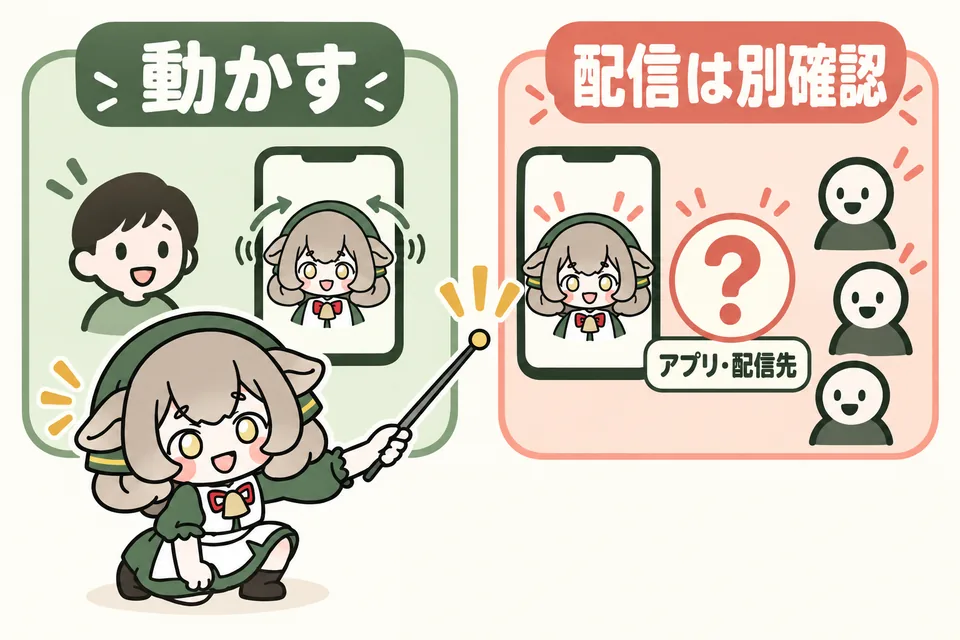
Even if the model moves on your phone, that does not necessarily mean you can live stream from it. Check whether your app and streaming destination support your setup.
Move the model on the phone
Load the model into an app on the phone and use its camera to track your facial movement. The smartphone version of VTube Studio supports this use.
Use the phone as a camera for a computer
Send facial-tracking data from the phone to a computer, where the model runs. This setup still uses a computer.
The diagram’s Japanese labels say “Move the model” and “Check streaming separately,” then ask whether to check the app or streaming destination. The function that reads facial movement is called face tracking. VTube Studio describes both display on the phone and connection to a computer. VTube Studio official: basic features and supported devices ↗
“It moved on my phone” and “I streamed it” are different
To deliver video and audio to viewers, you also need a way to send it to the streaming service. VTube Studio’s official computer-connection guide describes a flow where the model runs on a computer and is streamed with software such as OBS.
If you want to stream live with only a phone, first check the destination’s official guidance to see whether there is a way to use your model. VTube Studio official: computer-connection workflow ↗
Can a purchased Live2D model
work in every streaming app?
Supported apps, data formats, and usage terms differ. Do not choose a product based only on “smartphone support” or “Live2D support.”
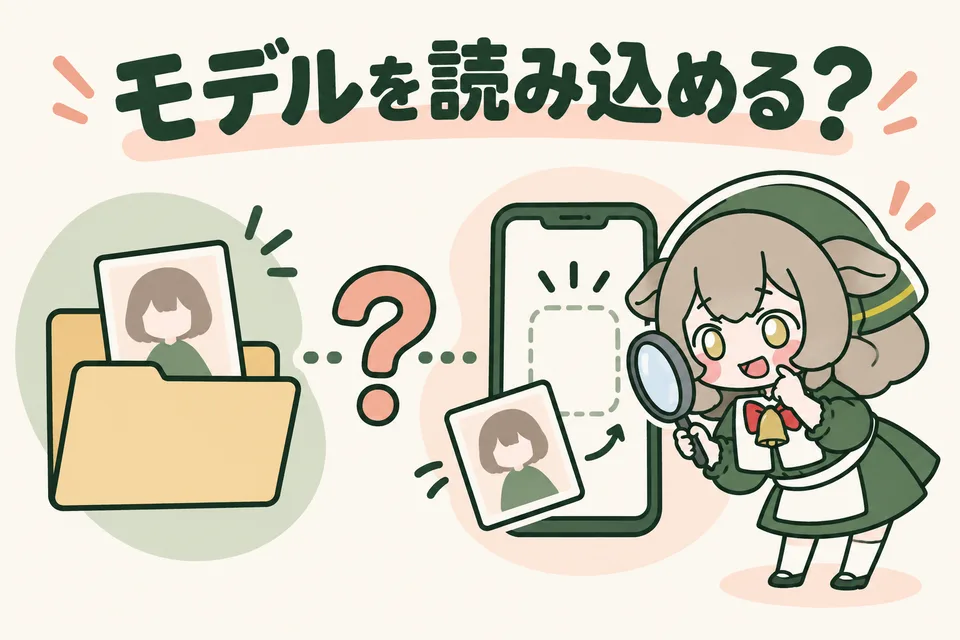
VTube Studio: supports display on a phone
The official iPhone/iPad and Android stores explain that you can load your own Live2D model on the phone. Even when a product says “VTS compatible,” check the support and import process for the smartphone version you will use.
nizima LIVE TRACKER: check the preparation process too
This is Live2D’s official tracking app for iPhone. It can move a model on the phone, and its guidance describes connecting a computer when adding your own model.
“I only use a phone” and “I can prepare everything with only a phone” are different. If you do not have a computer, check whether your own setup can add the purchased model. nizima LIVE TRACKER official store ↗
IRIAM: buying a model is not enough to start
To use a Live2D model in IRIAM, you need the implementation right for a Live2D model obtained through an event described by the official guidance. This right allows you to register and use the model inside IRIAM. IRIAM official: implementation rights and participation requirements ↗
You then submit the file after checking its contents and movement with the dedicated “IRIAM Chara Checker” service. Buying a marketplace model does not necessarily mean that it can be used in IRIAM. IRIAM official: checking and submitting a model ↗
“Buy a model for VTube Studio” and “prepare a model for IRIAM” require different checks before purchase. Decide where you will stream, then look for a model that fits those conditions.
If you only have a phone,
what should you check first?
Write down the device, app, model import method, and streaming destination by name. These four details show what preparation you still need.
Device: check the model and OS
Write down the exact model and OS version, not only “iPhone” or “Android.” Check the store’s supported OS and the official manual’s camera and face-recognition requirements.
App: can you try it on your phone?
Choose a compatible app and, within its free trial range, test a sample model and facial movement. A sample working does not guarantee that the model you plan to buy will work.
Model: can you add it to the phone?
Confirm whether it is a finished model, which apps it supports, and how to receive and load its files on a phone. Do not discover only after purchase that one step requires a computer.
Destination: can you deliver the model and your voice?
Use the destination’s official procedure to check whether a phone-only setup is supported. Confirm its registration or participation requirements and the model’s usage terms as well.
Notes for contacting the seller
“I use a phone and OS called __ and do not have a computer. I want to move the model in __ and stream on __. Please tell me this product’s support range and what I need for setup.”
Check the app’s functions and the streaming destination’s participation requirements in their official guidance. Ask the seller whether this product fits your intended environment.