Live2D / Pre-purchase Q&A
What should you check before buying a Live2D model?
A visual guide to model types and usage rights
Will it move after you buy it? Can you use it for streaming? Let’s check the details together before you commit.
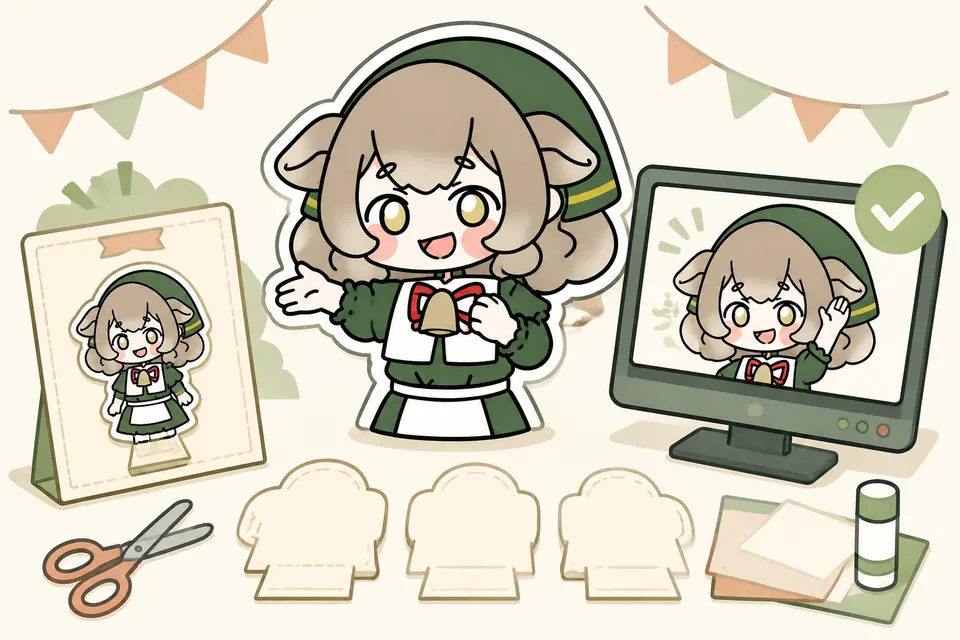
 Want to see a model that actually moves?Watch the expression video and see the included materials ↓
QUESTION 01
If I buy the illustration,
will it move right away?

First check whether you are buying “art data” or a “moving model”!
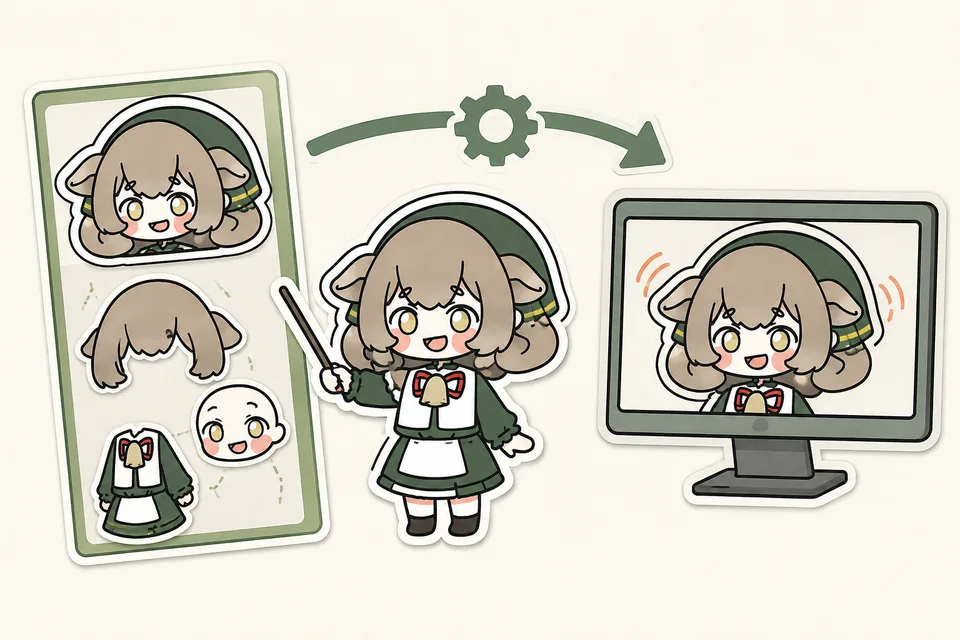
The diagram compares a separated illustration with a rigged model. Read the product description to confirm which files are included.
Still art / separated PSD
A character image prepared as data.
Modeling is usually
a separate step.
Finished Live2D model
Includes data for movement.
Load it into a supported app,
then configure it.
Do not decide from a product name such as “for Live2D.” Confirm the included files and supported apps. Your app, camera, and other environment preparation may be separate.
QUESTION 02
What is the difference between
one-off and generic?

Some models are sold to one person; generic models can be sold to several people.
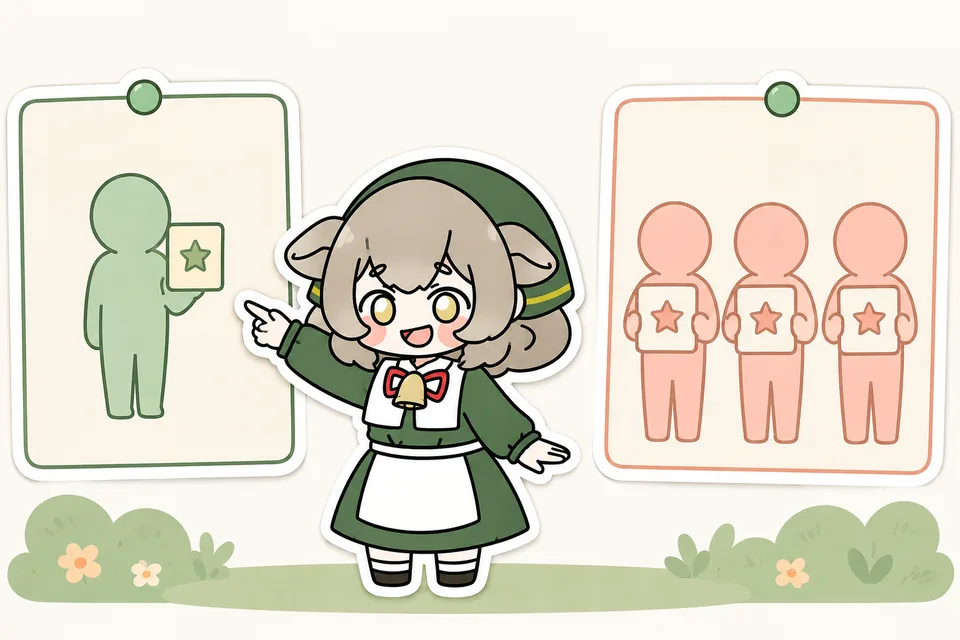
The diagram shows one buyer for a limited one-off model and several buyers for a generic model. “One-off” describes the sale quantity; it does not automatically transfer copyright.
Limited to one
Only one person can buy it.
A sales format that seeks
one creator to use the model.
Generic model
Several people can buy it.
You may share the same
appearance with other users.
Even a one-off model may not include copyright transfer or unlimited edits. Check the usage terms for that specific product.
QUESTION 03
If commercial use is allowed,
can I make merchandise too?

Streaming permission does not always cover goods, so check that separately!
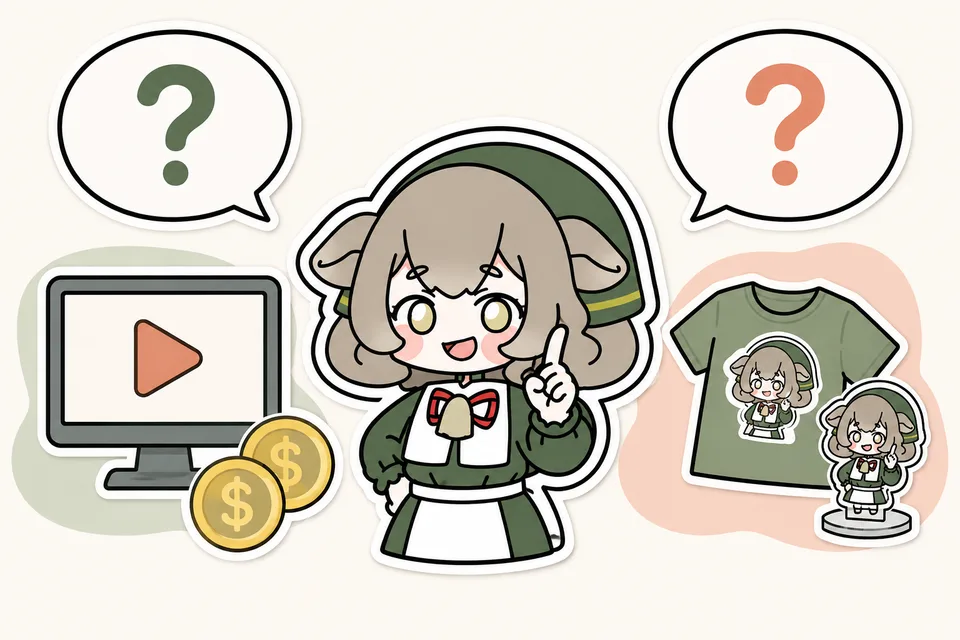
The diagram separates monetized video from a T-shirt and acrylic stand. Confirm permission for each intended use.
Monetized streaming and video
Advertising revenue, tips, and similar income.
Check whether your activity
may earn revenue.
Making and selling goods
Acrylic stands, T-shirts, and similar goods.
Check whether separate permission
or a consultation is required.
Credit, edits, and redistribution rules also differ by product. Ask the seller before buying if any term is unclear.
QUESTION 04
What should I look at
right before buying?

Let’s check these four things together: motion, contents, environment, and usage terms!
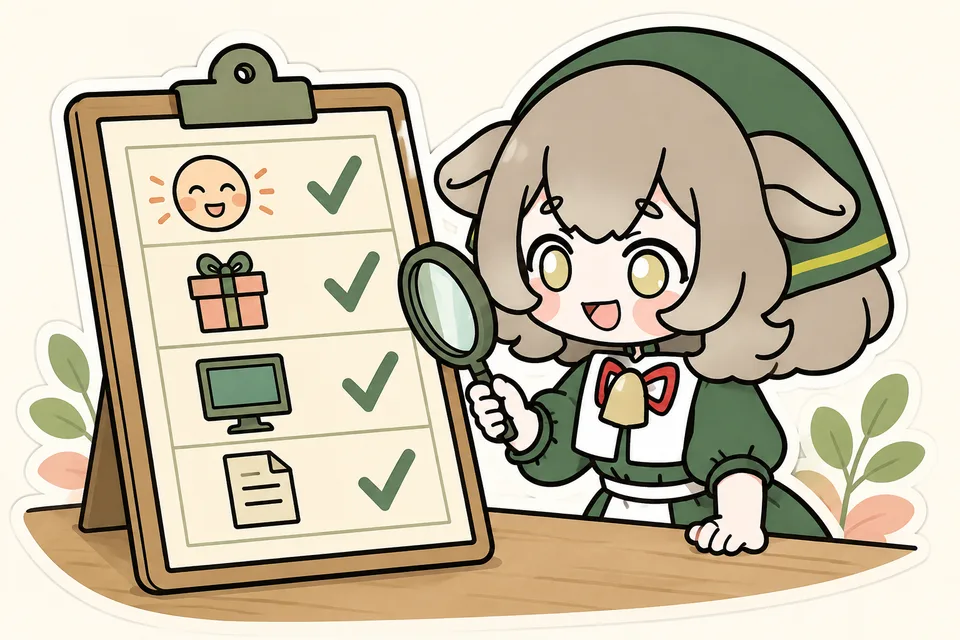
The checklist in the diagram has four steps. Confirm each one against the product page and your intended activity.
- CHECK 01
Motion
Watch the preview or video. Check head direction, mouth movement, blinking, and expressions.
- CHECK 02
Contents
Find out whether you receive a finished model, images, and extras. Confirm what will actually be delivered.
- CHECK 03
Your environment
Check that the supported app and required equipment match your own device and operating system.
- CHECK 04
Usage terms and support
Confirm monetization, merchandise, credit, edits, and where to ask questions.
Pinion's Live2D model
Bat × Gothic Girl
See a real public sample before you decide. Current price, availability, and full terms are on nizima.
One set, from model data to supporting art.
The set includes model data, transparent images, a key visual, an SD character, and a presentation image.
- Expressions
- Pale, blush, sparkle, tears, and pupils
- Toggles
- Headpiece, ears, and wings on/off
- Usage
- Commercial use is available; merchandise requires consultation. Copyright is not transferred and creator credit is required.
nizima restricts overseas artwork purchases. For a separate custom project, contact us in English. A preview is not a guarantee of purchase availability.
Illustration and modeling: Pinion. The product page has the latest sale status and terms.
Images and video are the creator's public nizima samples. Supporting illustrations are shown at reduced quality.
Pinion (ぴにおん) · Etsy
Examples of complete, ready-to-run models
Premade, non-exclusive rigged bust models for VTube Studio. Each includes six facial expressions, a separate ear toggle, and English setup guides. Check the listing for current price, included files, and usage terms.
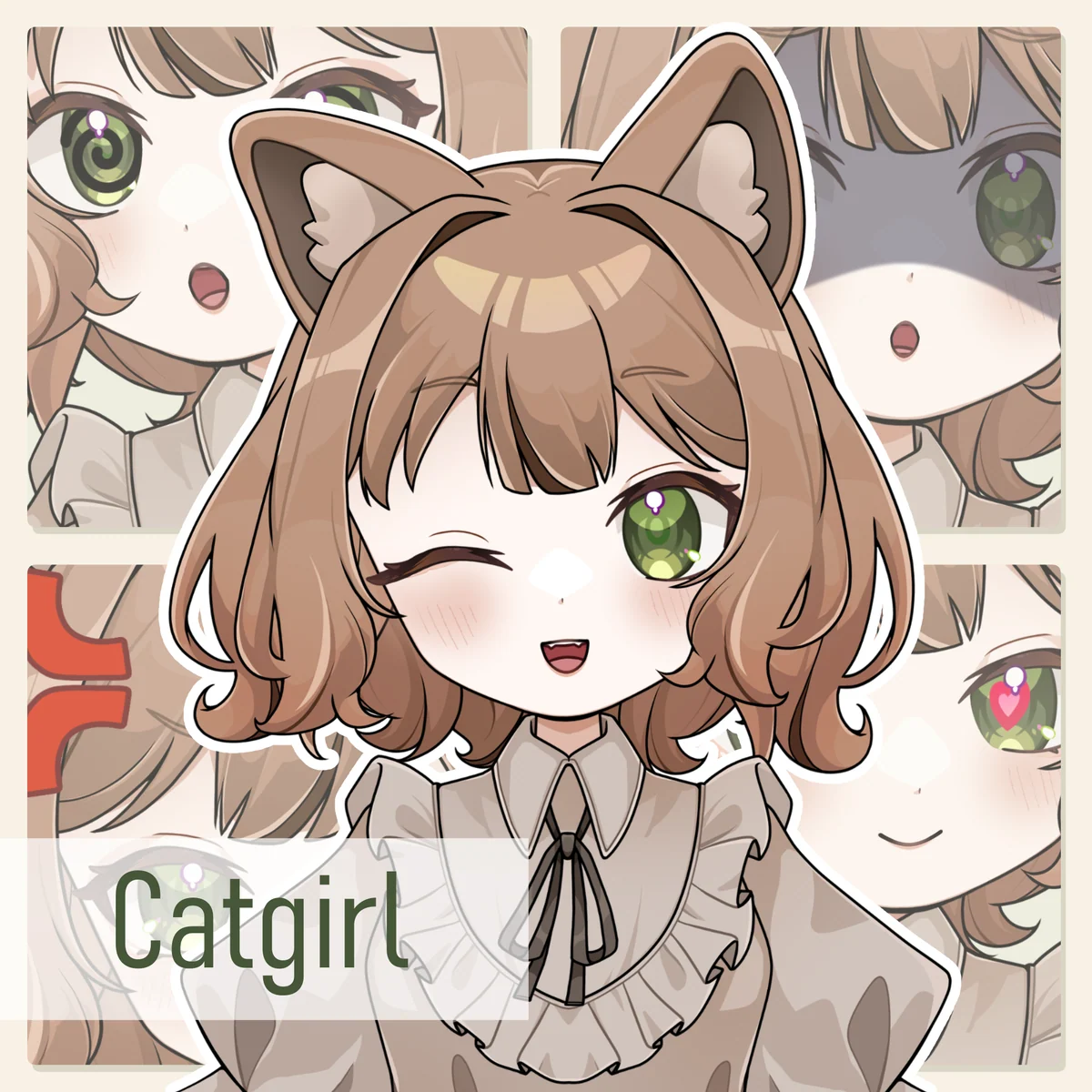 Brown hair · green eyes · cat earsCatgirlView on Etsy ↗
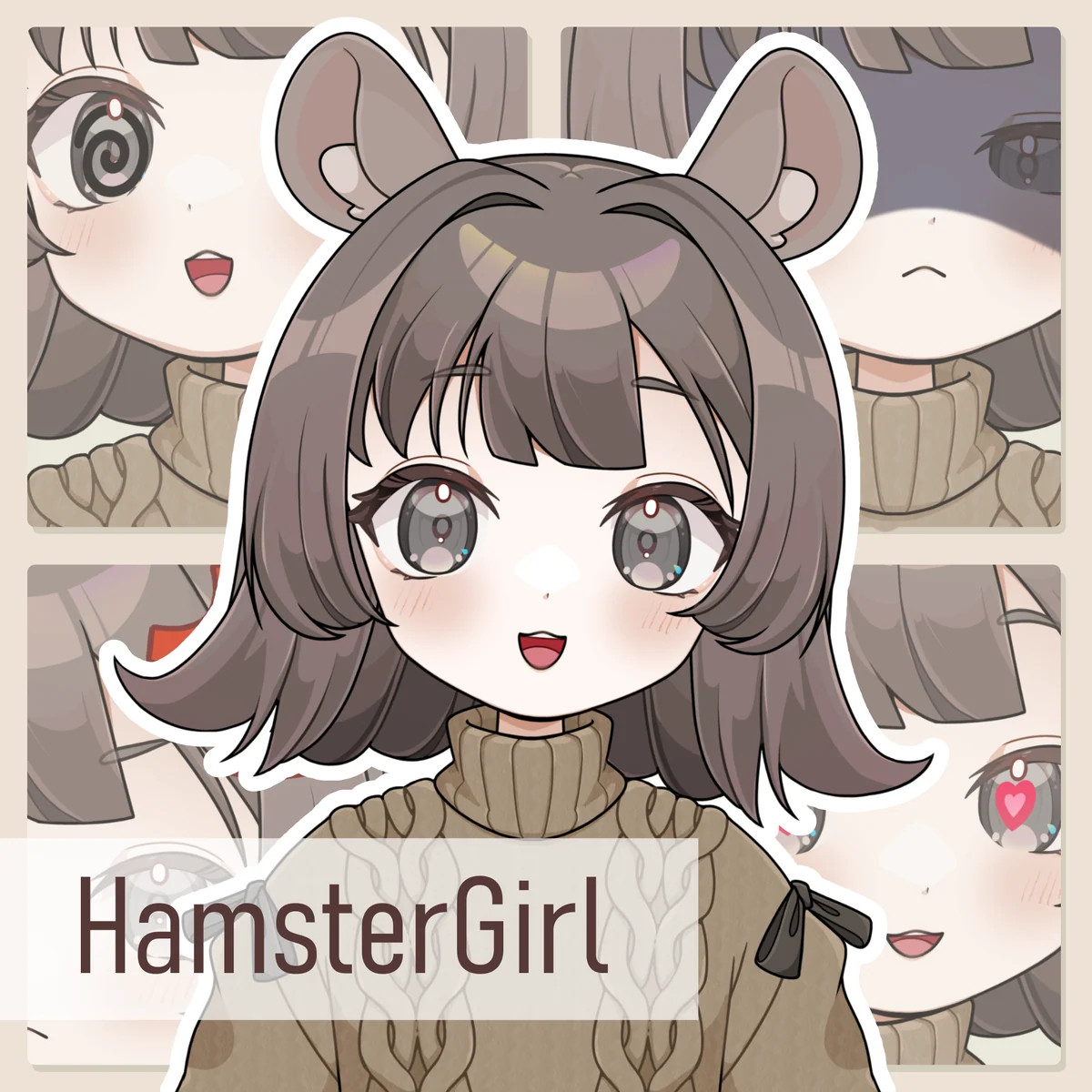 Brown-gray hair · gray eyes · hamster earsHamster GirlView on Etsy ↗
Created by Pinion (ぴにおん). Both are non-exclusive premade models; buying does not make the model exclusive to you. Terms, price, and availability are shown on Etsy.